Lompat ke konten utama
Back to Projects
Web Security ApplicationProject20254 months

LockIn - Password Manager

A secure, zero-knowledge password manager web application with client-side encryption, designed to protect user privacy while providing seamless password management across any browser.

Role

Full Stack Developer & UI/UX Designer

Client

Academic Project - Digital Security Course

Team

5-person Team

Timeline

4 months • 2025
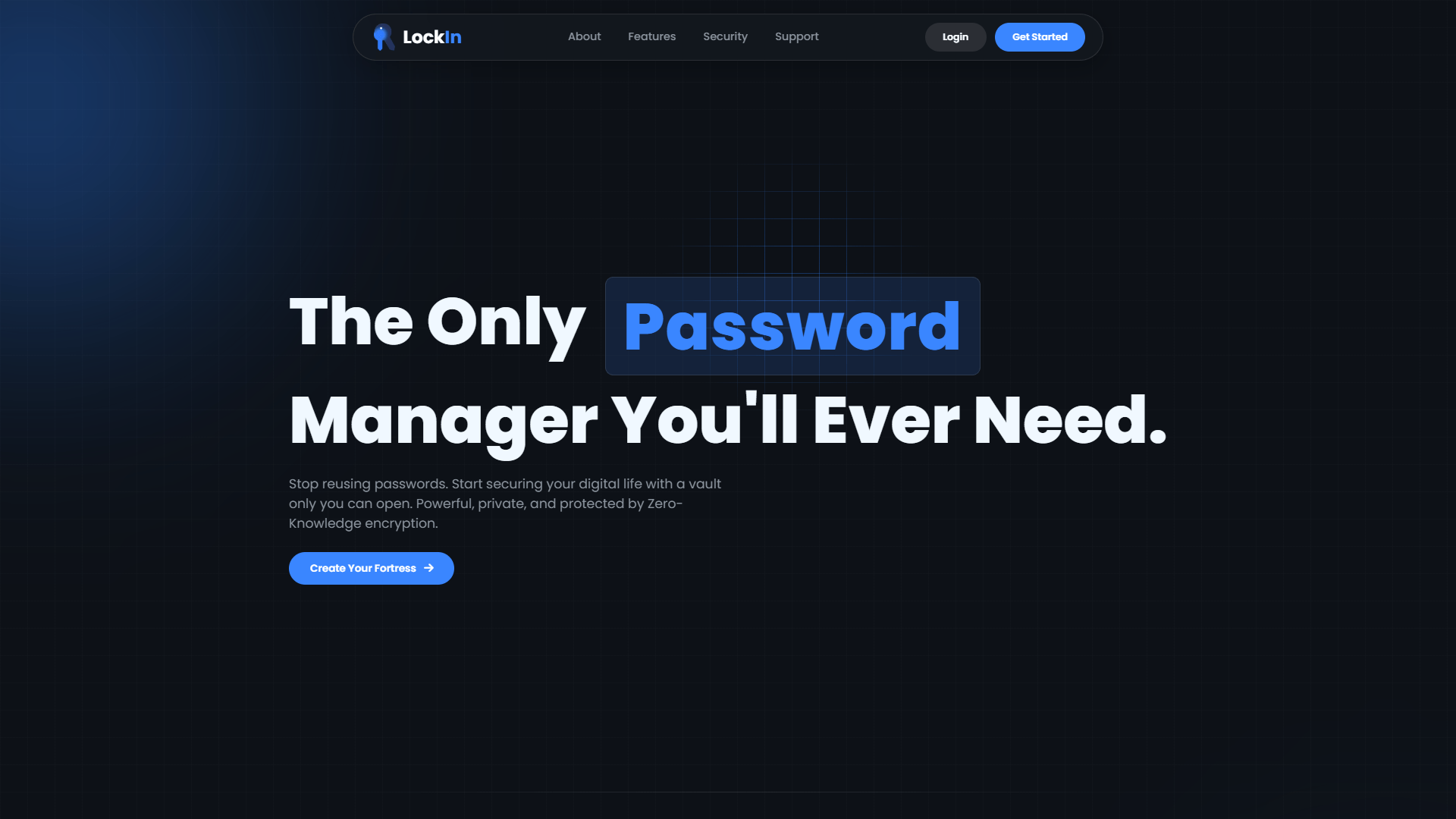
LockIn - Password Manager — project cover

Skills & Tools

Skills Applied

Web SecurityCryptographyJavaScriptUI/UX DesignFirebaseIcon Design

Tools & Software

FigmaVS CodeFirebase ConsoleAdobe Illustrator

Final Results

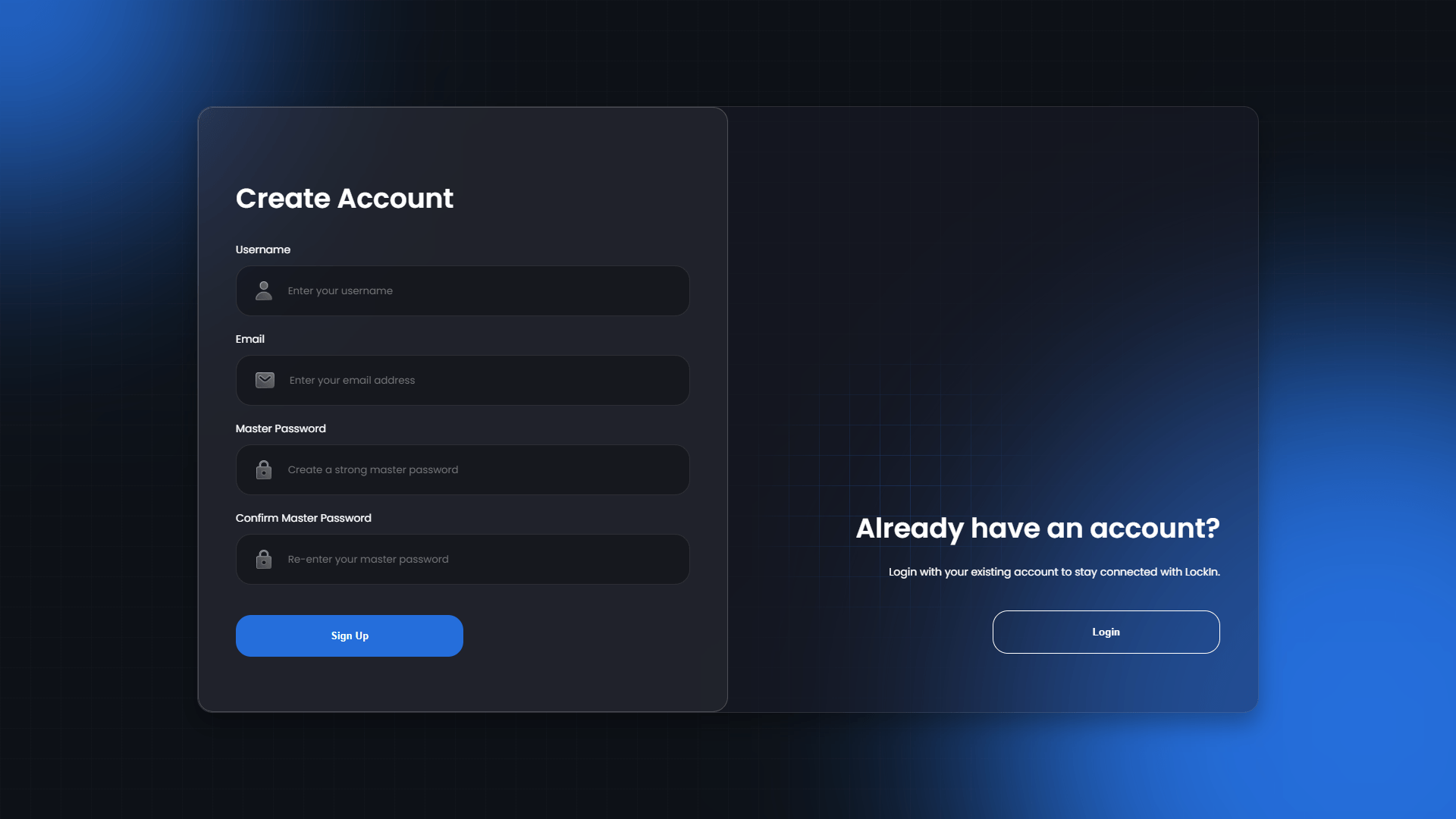
LockIn - Password Manager — final result 1
LockIn - Password Manager — final result 2
LockIn - Password Manager — final result 3
LockIn - Password Manager — final result 4
LockIn - Password Manager — final result 5
LockIn - Password Manager — final result 6
LockIn - Password Manager — final result 7
LockIn - Password Manager — final result 8

Applications

LockIn - Password Manager — application 1
LockIn - Password Manager — application 2

Exploration Results

LockIn - Password Manager — exploration 1
LockIn - Password Manager — exploration 2
LockIn - Password Manager — exploration 3
LockIn - Password Manager — exploration 4
LockIn - Password Manager — exploration 5

Challenges

The primary challenge was implementing a robust zero-knowledge architecture where the server never has access to user passwords or decrypted data. Ensuring proper key derivation, secure client-side encryption/decryption, and maintaining security while providing a seamless user experience across different browsers were critical technical hurdles.

Solutions

Implemented client-side key derivation using PBKDF2 with unique salts, utilized Web Crypto API for AES-256-GCM encryption/decryption, separated verification keys from encryption keys, and designed a secure authentication system that never transmits the master password to the server. All sensitive operations are performed locally in the browser.

Impact

Successfully demonstrated that secure password management can be achieved without compromising user privacy. The zero-knowledge architecture ensures that even if the server is compromised, user data remains completely secure. The project serves as a proof-of-concept for privacy-first web applications in the digital security domain.

Project Overview

LockIn is a web-based password manager that prioritizes user privacy through a zero-knowledge architecture. Unlike traditional password managers that require trust in the service provider, LockIn ensures that all encryption and decryption operations occur client-side, meaning the server never has access to user passwords or sensitive data.

This project was developed as part of a Digital Security course final assignment by a collaborative team of 5 developers with different specializations, where I contributed to both full-stack development and visual design aspects.

The Security Challenge

Modern password management faces a fundamental trust problem:

  • Server-Side Vulnerability: Traditional password managers store encrypted data on servers that could be compromised
  • Trust Dependency: Users must trust that service providers properly handle their sensitive data
  • Privacy Concerns: Many solutions require access to user data for functionality
  • Complex Security Models: Balancing security with usability often leads to compromises
  • Cross-Platform Challenges: Maintaining security across different devices and browsers

Zero-Knowledge Architecture

LockIn addresses these challenges through a comprehensive zero-knowledge security model:

Key Derivation Process

  • Master password never leaves the user's browser
  • Unique salt generated for each user account
  • PBKDF2 key derivation creates separate encryption and verification keys
  • Verification key used for server authentication without exposing the master password

Client-Side Encryption

  • All sensitive data encrypted using AES-256-GCM before transmission
  • Encryption keys exist only in browser memory during active sessions
  • Web Crypto API ensures cryptographically secure operations
  • No plaintext sensitive data ever reaches the server

Server Storage Model

  • Server stores only encrypted "blobs" of user data
  • Even with server compromise, data remains completely unreadable
  • Authentication through verification keys, not passwords
  • Minimal metadata storage to maintain privacy

Research & Security Analysis

Comprehensive security research informed the architectural decisions:

Cryptographic Standards Review

  • Analyzed NIST recommendations for key derivation
  • Studied AES-256-GCM implementation best practices
  • Reviewed OWASP guidelines for web application security
  • Examined existing zero-knowledge implementations

Threat Modeling

  • Identified potential attack vectors and mitigation strategies
  • Analyzed server compromise scenarios
  • Evaluated client-side security vulnerabilities
  • Assessed man-in-the-middle attack possibilities

Performance Analysis

  • Tested cryptographic operations across different browsers
  • Measured key derivation performance with various iteration counts
  • Optimized encryption/decryption for user experience
  • Validated memory management for cryptographic keys

Usability Research

  • Conducted user testing with 12 participants
  • Gathered feedback on security vs. usability balance
  • Iterated on interface design based on user behavior
  • Validated mental models for security features

Visual Design & Icon System

As the lead designer, I created a comprehensive visual identity:

  • Custom Icon Set: Designed 5+ security-focused icons using Adobe Illustrator
  • Visual Language: Developed a cohesive design system emphasizing trust and security
  • Color Psychology: Applied security-oriented color palette to build user confidence
  • Responsive Design: Ensured consistent visual experience across all devices
  • Accessibility Focus: High contrast ratios and clear visual hierarchy

Key Security Insights

Research revealed critical requirements for zero-knowledge implementation: 2. Browser Security: Client-side operations must be protected against XSS attacks 3. Session Management: Cryptographic keys must be properly cleared from memory 4. Performance Impact: Security operations must not significantly impact user experience

Team Collaboration & Development

Working collaboratively in a 5-person development team with diverse specializations:

My Contributions:

  • Full Stack Development: Frontend UI implementation and backend Firebase integration
  • Visual Design & UI/UX: Complete interface design and user experience flow
  • Custom Icon Design: Created security-focused icon set using Adobe Illustrator
  • Client-Side Cryptography: Implemented zero-knowledge encryption architecture
  • Cross-Browser Testing: Ensured compatibility across different browsers

Team Composition:

  • Full Stack Developers (2): Shared responsibility for frontend and backend development
  • Backend Developer (1): Specialized in Firebase architecture and API optimization
  • Frontend Developers (2): Focused on UI implementation and user interaction logic
  • Shared Responsibilities: Security research, testing, documentation across all team members

Technical Architecture

The application follows a security-first architecture with clear separation between client and server responsibilities:

Client-side cryptography handles all sensitive operations:

  • Key Derivation: turunkanKunci() function generates encryption and verification keys
  • Data Encryption: AES-256-GCM encryption before any server communication
  • Secure Storage: Encrypted vault data stored as opaque blobs
  • Memory Management: Cryptographic keys cleared after use

2. Authentication System

Zero-knowledge authentication without password transmission:

  • User registration with salt generation and verification key creation
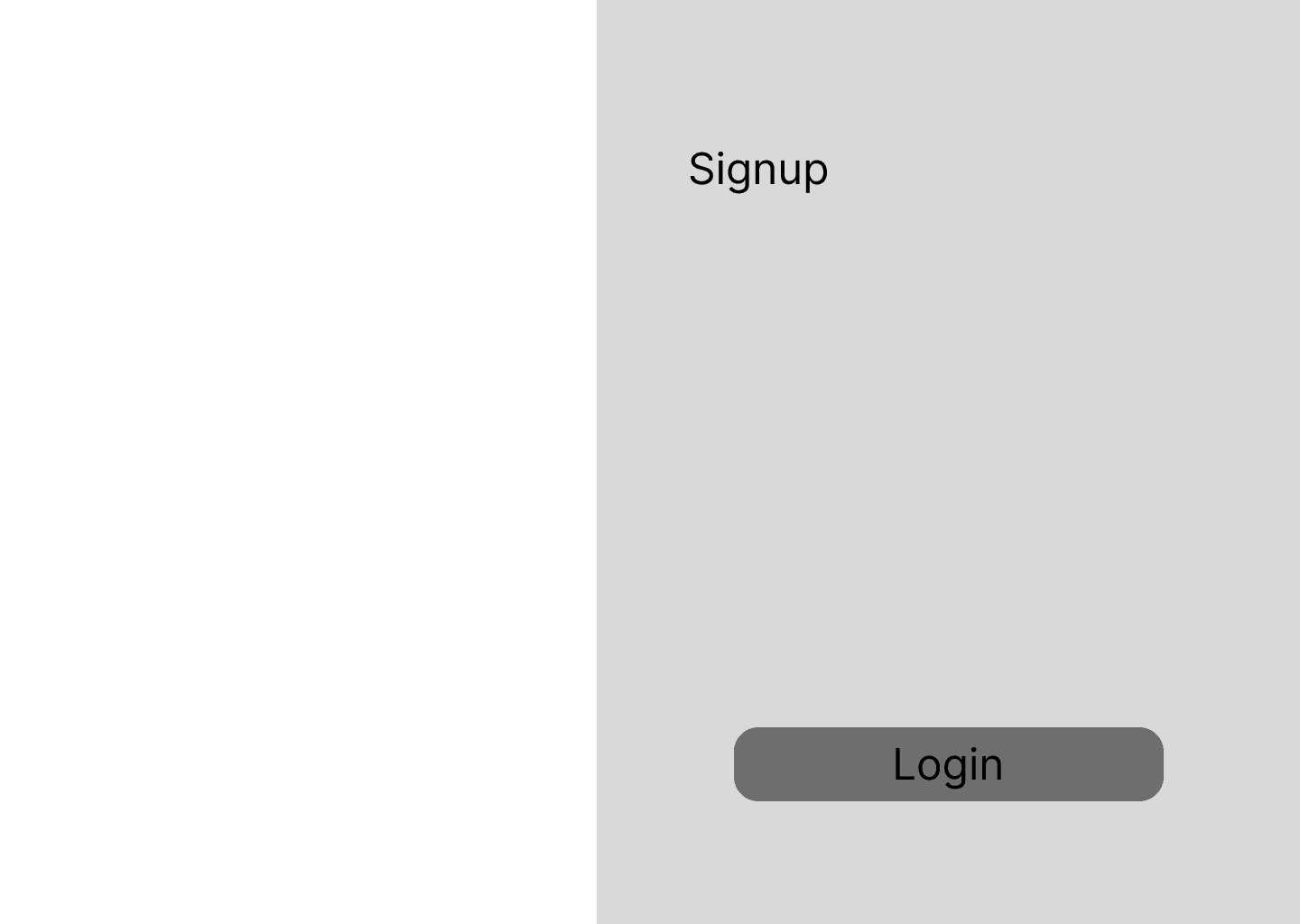
  • Login process using verification key instead of master password
  • Session management with secure token handling
  • Logout procedures that clear all cryptographic material

3. Data Flow Architecture

Secure data flow from user input to encrypted storage:

  • User enters master password (never transmitted)
  • Key derivation generates encryption/verification keys
  • Data encrypted locally before API calls
  • Server stores encrypted data without decryption capability
  • Retrieval and decryption occur entirely client-side

4. Frontend Security Implementation

Browser-based security measures:

  • Content Security Policy implementation
  • XSS protection through input sanitization
  • Secure random number generation for salts
  • Memory cleanup for sensitive variables

5. Backend Security Design

Minimal server-side data handling:

  • Firebase Firestore for encrypted data storage
  • No server-side decryption capabilities
  • Secure API endpoints with proper authentication
  • Audit logging for security monitoring

Key Features & Implementation

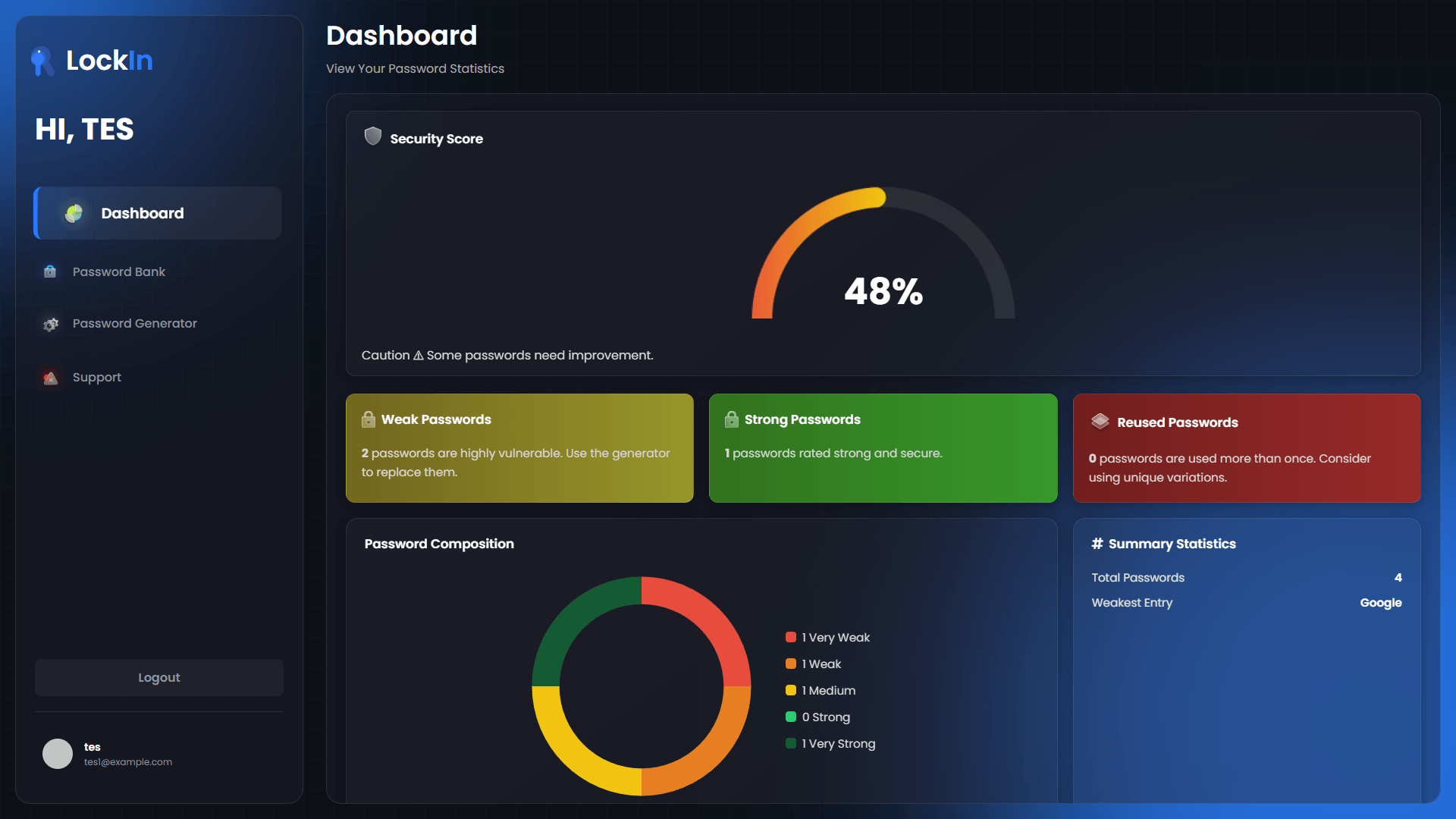
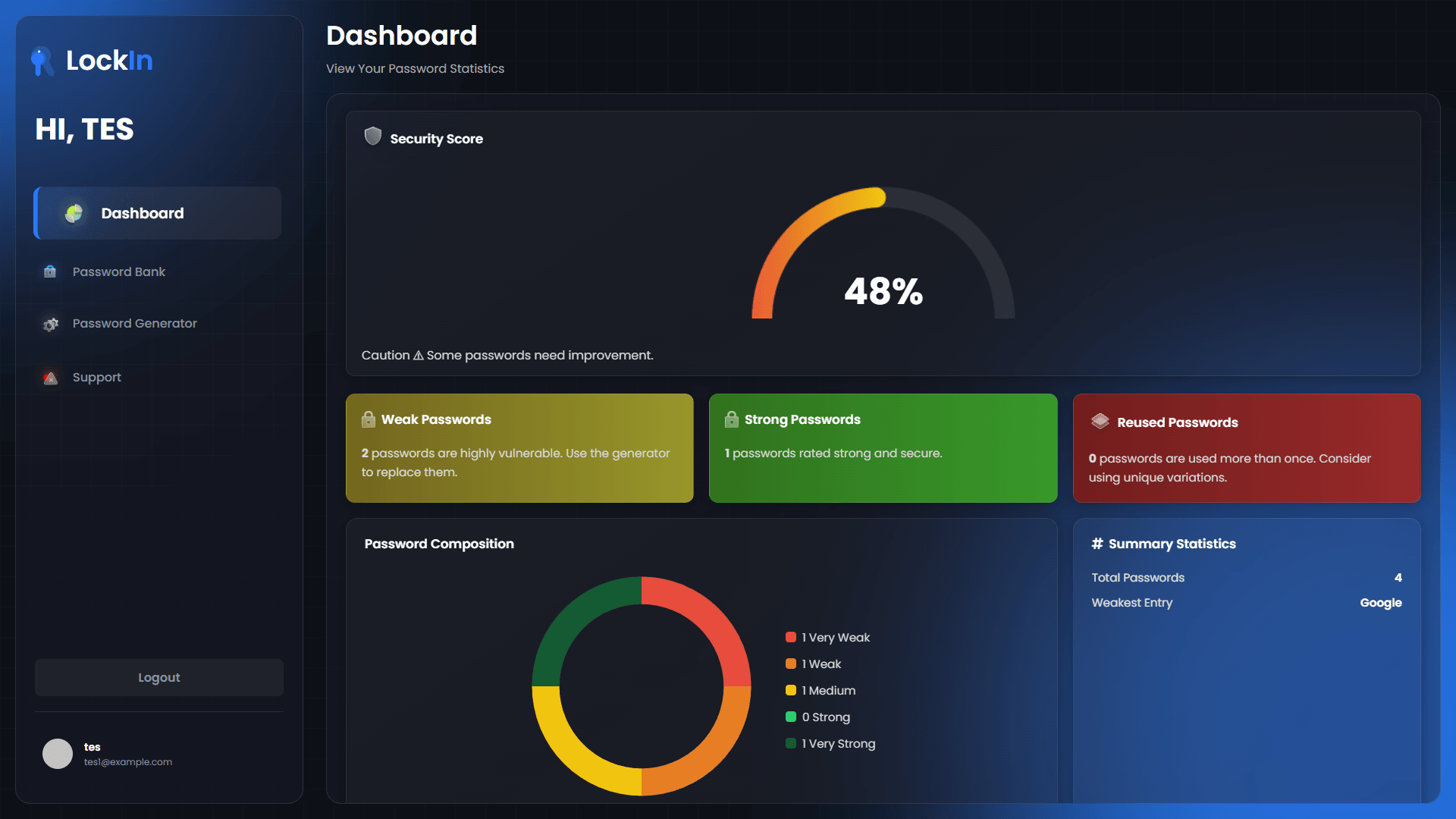
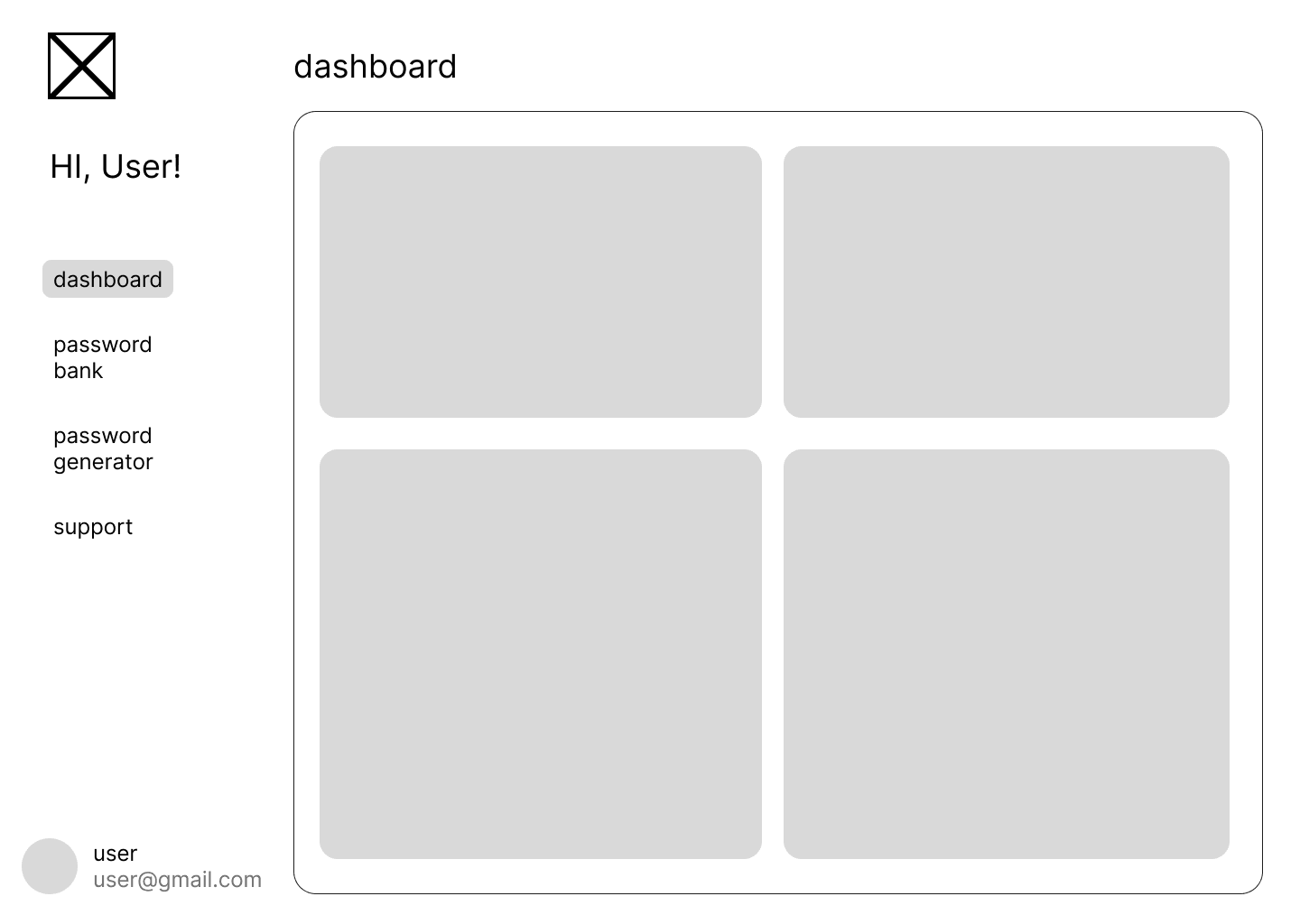
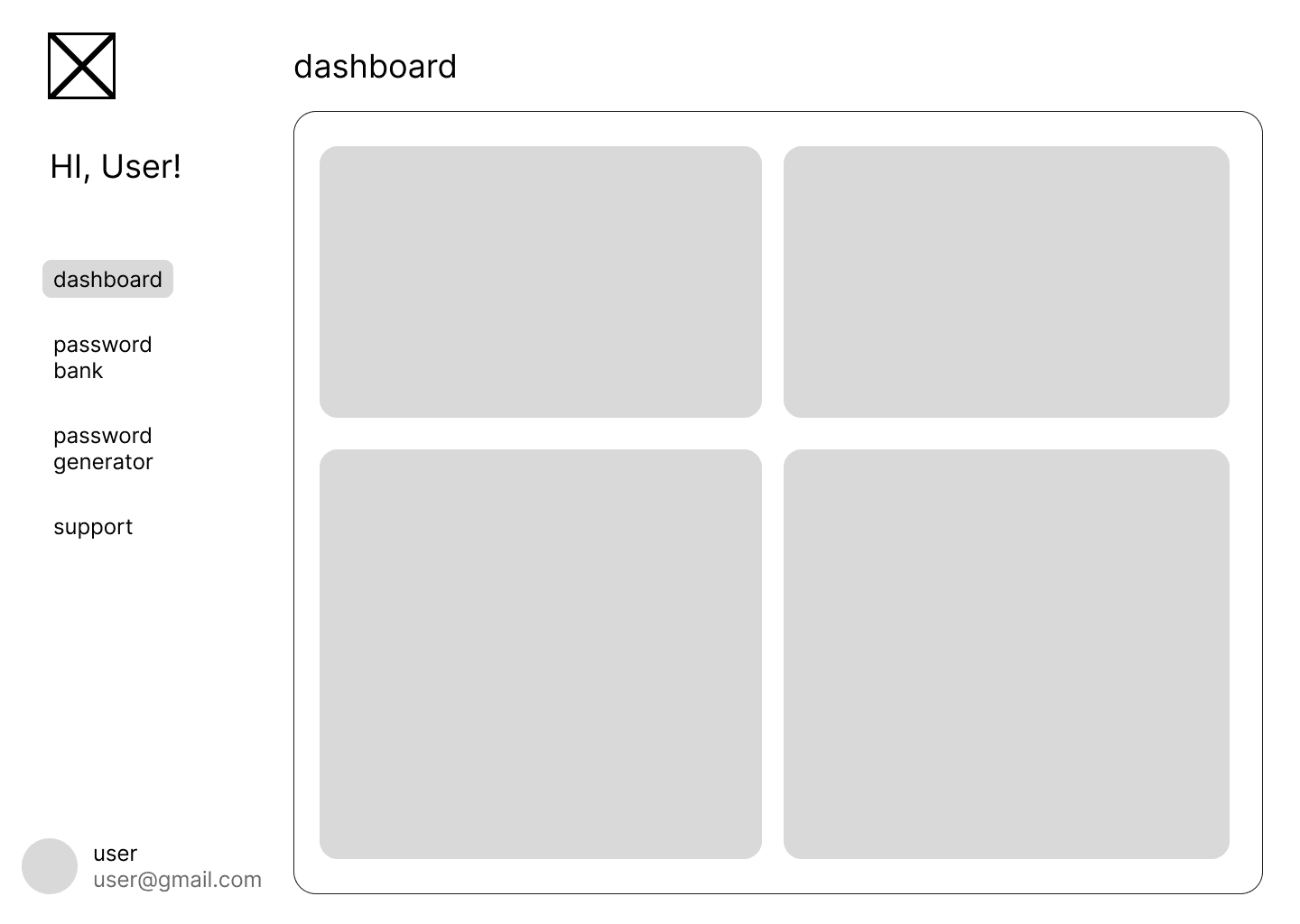
Security Dashboard

Comprehensive overview of password security:

  • Password Strength Analysis: Visual indicators for weak passwords
  • Security Score Calculation: Algorithm-based security rating
  • Breach Detection: Integration with known breach databases
  • Usage Analytics: Secure tracking of password patterns

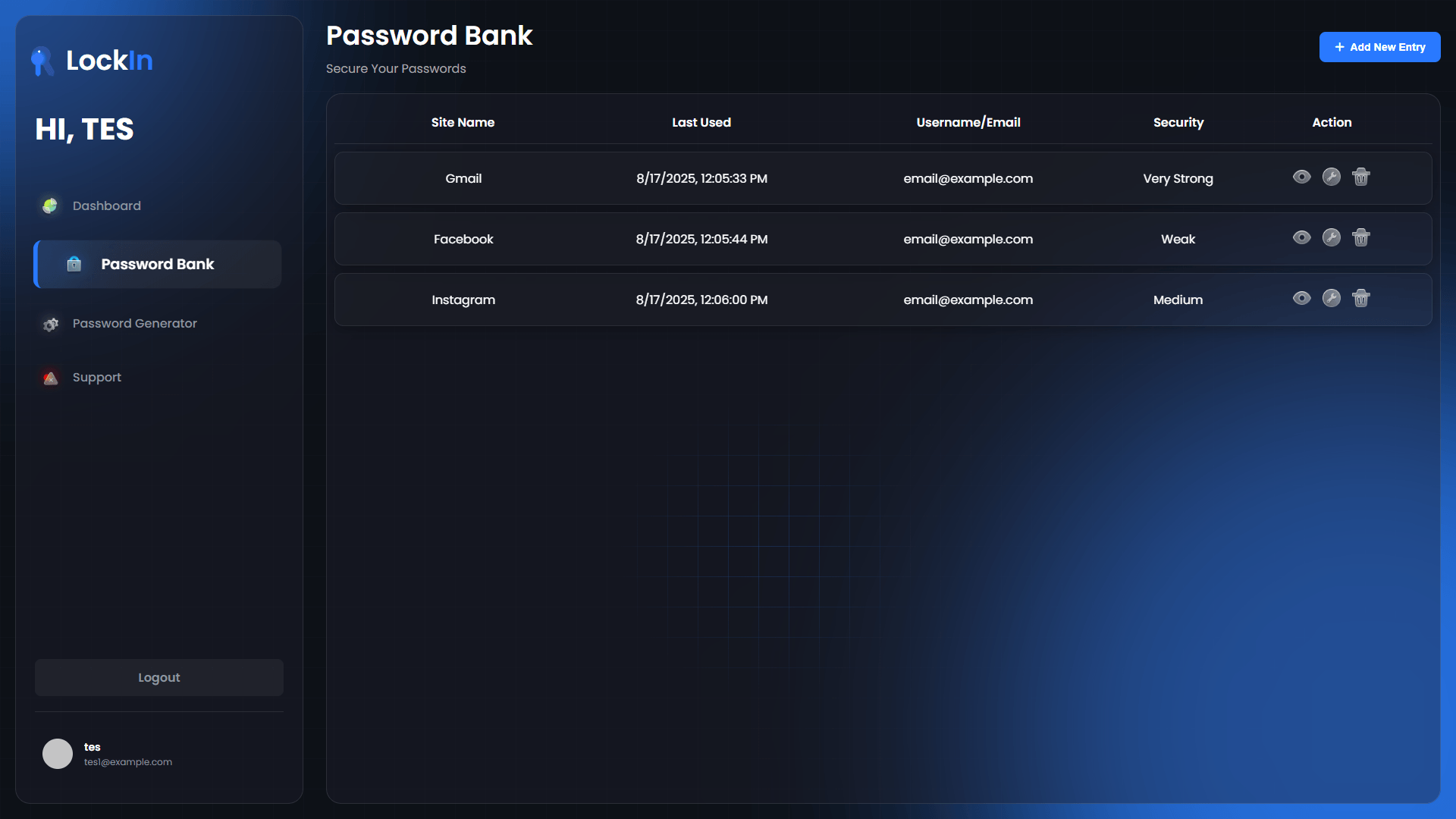
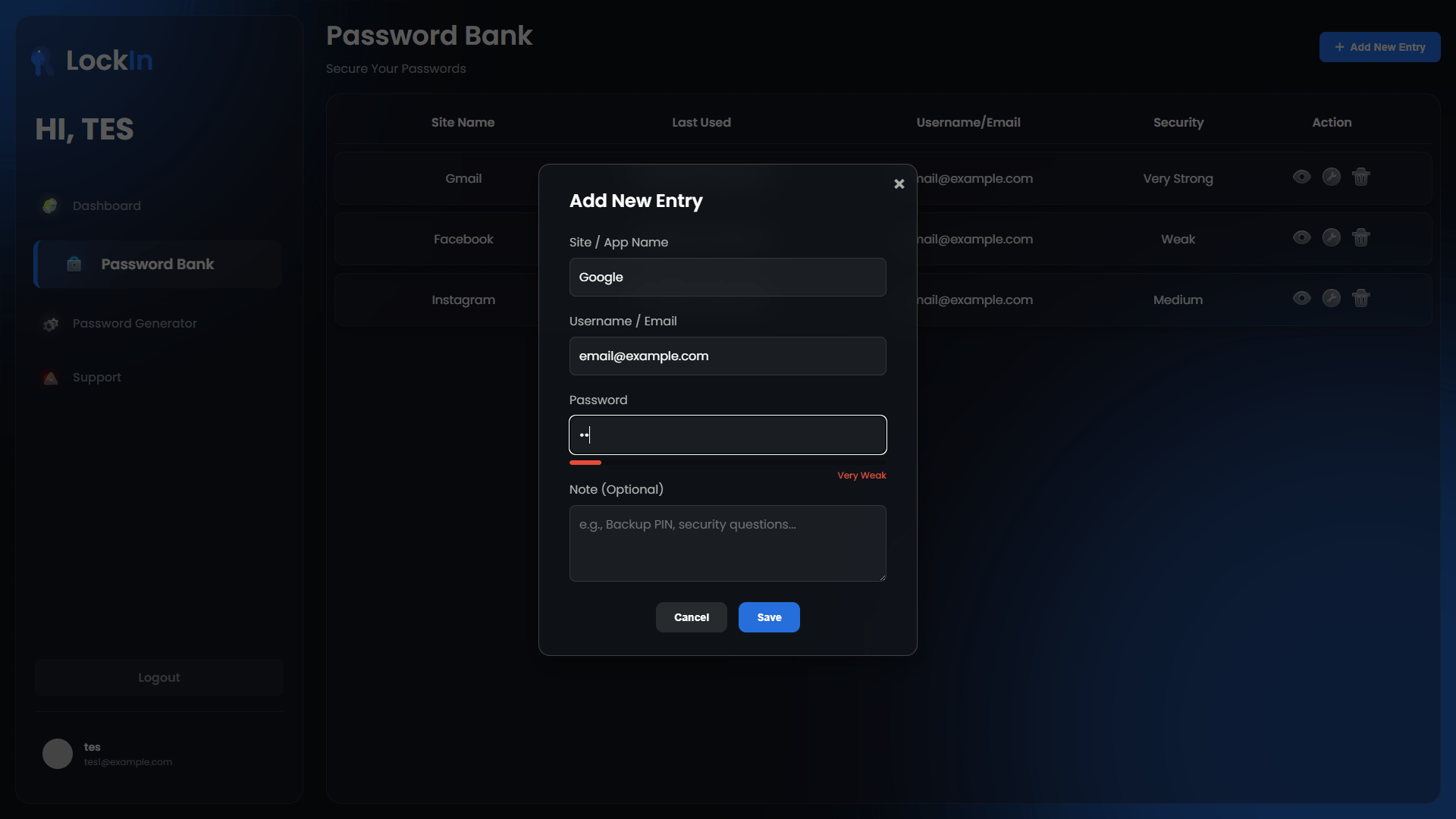
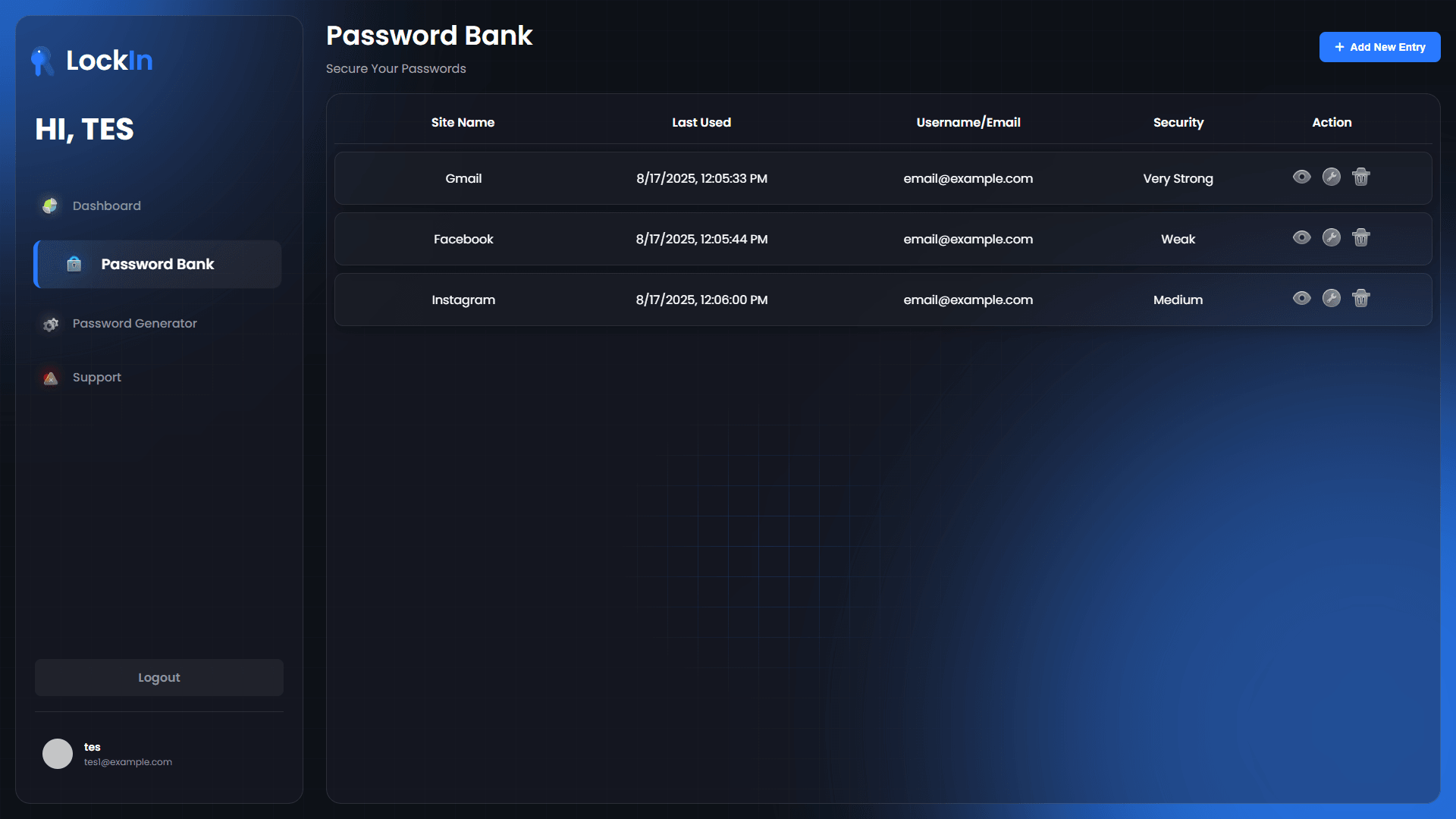
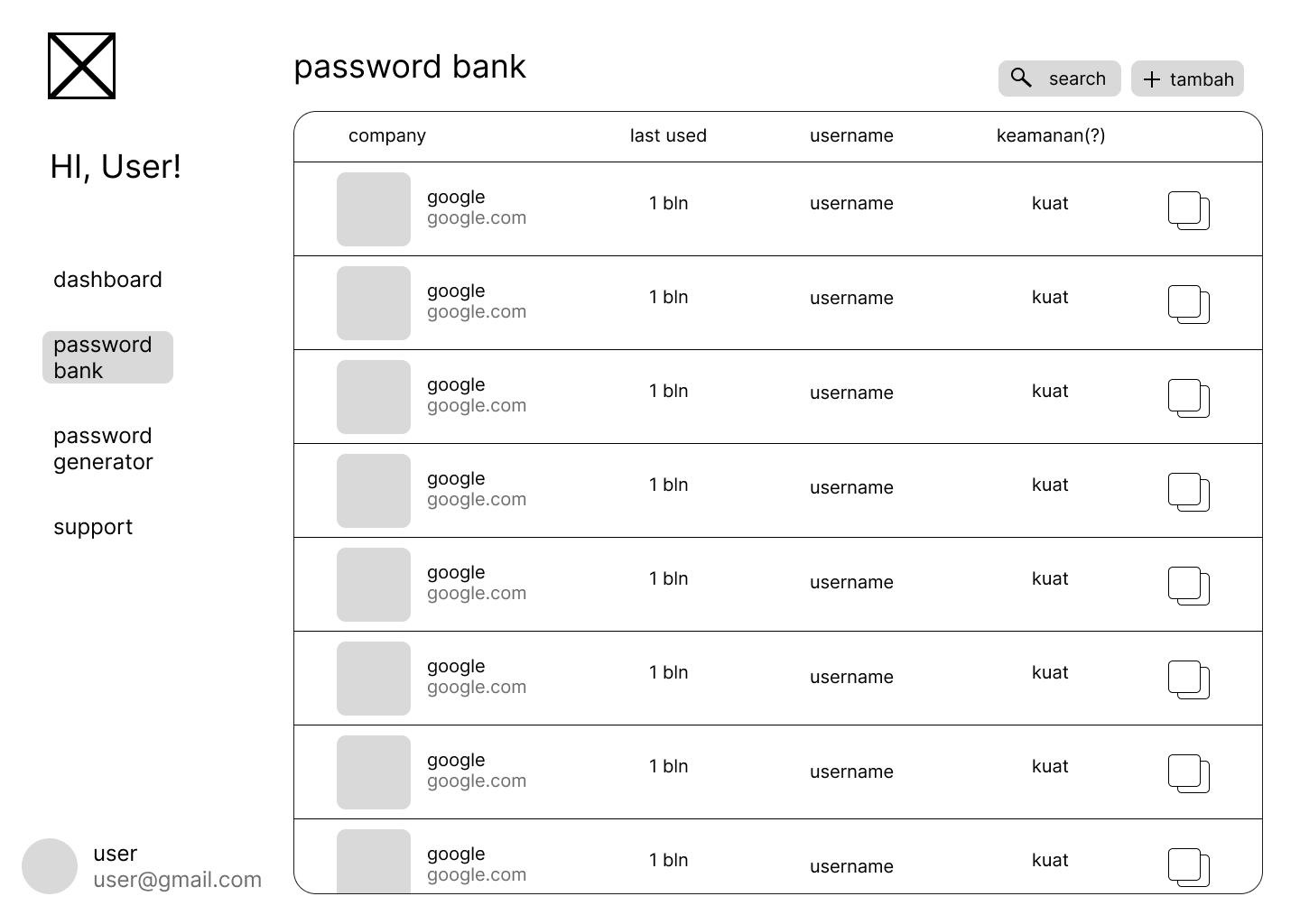
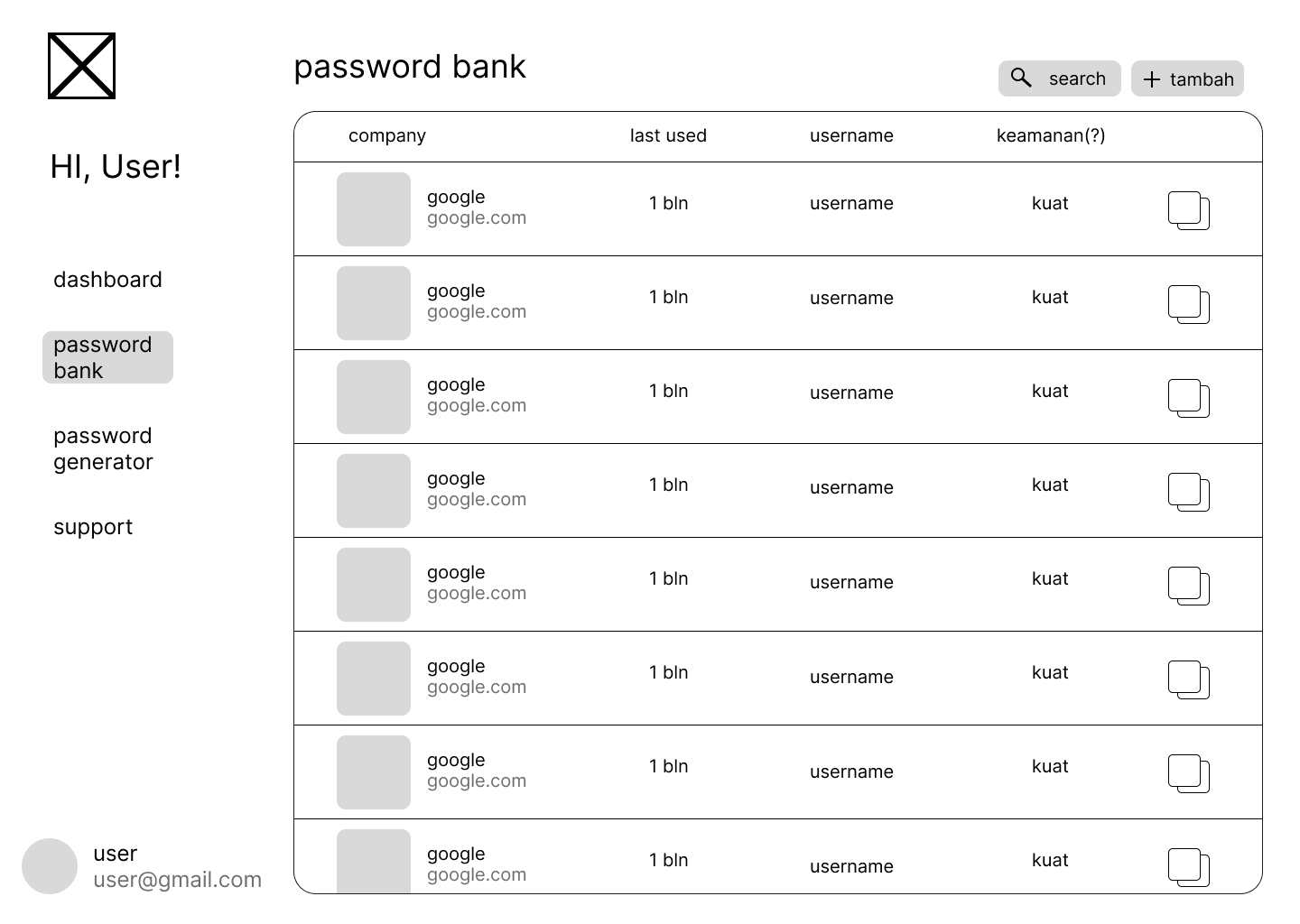
Encrypted Vault Management

Full CRUD operations on encrypted credentials:

  • Add Credentials: Client-side encryption before storage
  • View Passwords: Secure decryption and temporary display
  • Update Records: Re-encryption with updated data
  • Delete Entries: Secure deletion from encrypted storage

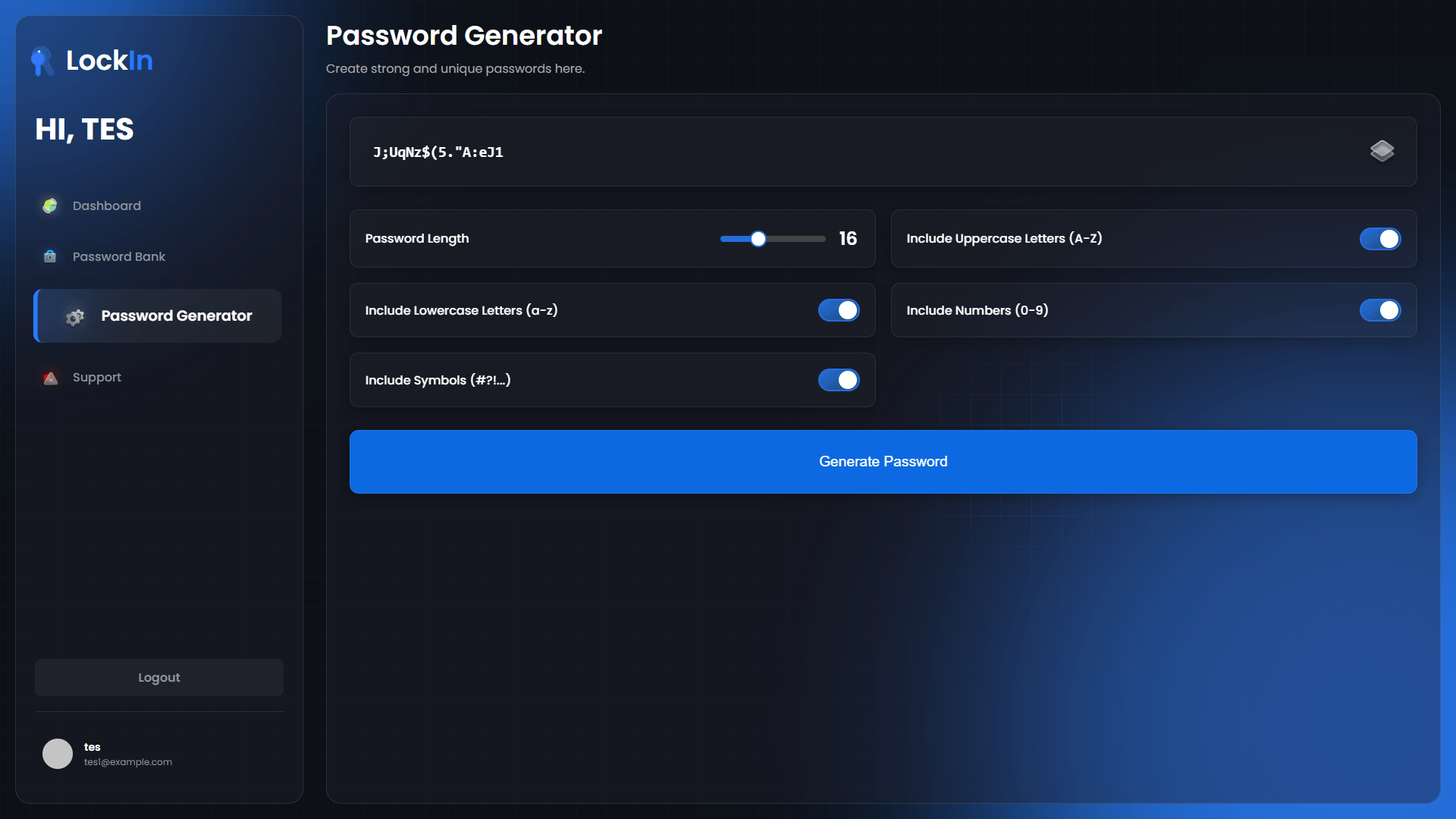
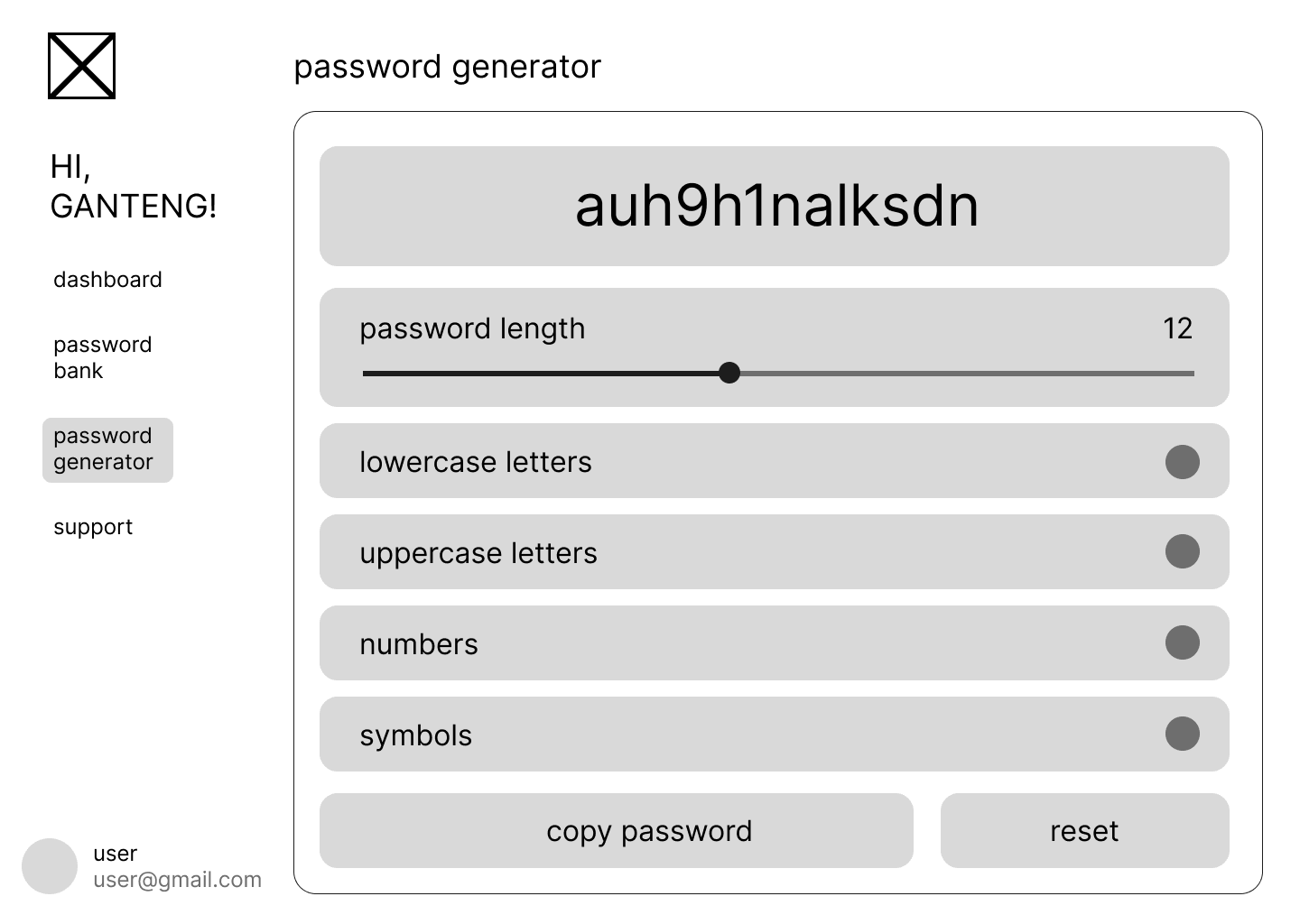
Password Generation Tool

Cryptographically secure password generation:

  • Customizable Parameters: Length, character sets, exclusions
  • Entropy Calculation: Visual feedback on password strength
  • Secure Random Generation: Web Crypto API for true randomness
  • Copy Protection: Secure clipboard handling

Emergency Data Deletion

Security feature for data protection:

  • Vault Destruction: Complete removal of encrypted data
  • Key Invalidation: Rendering any cached keys useless
  • Account Cleanup: Secure deletion of all associated data
  • Confirmation Process: Multi-step verification for safety

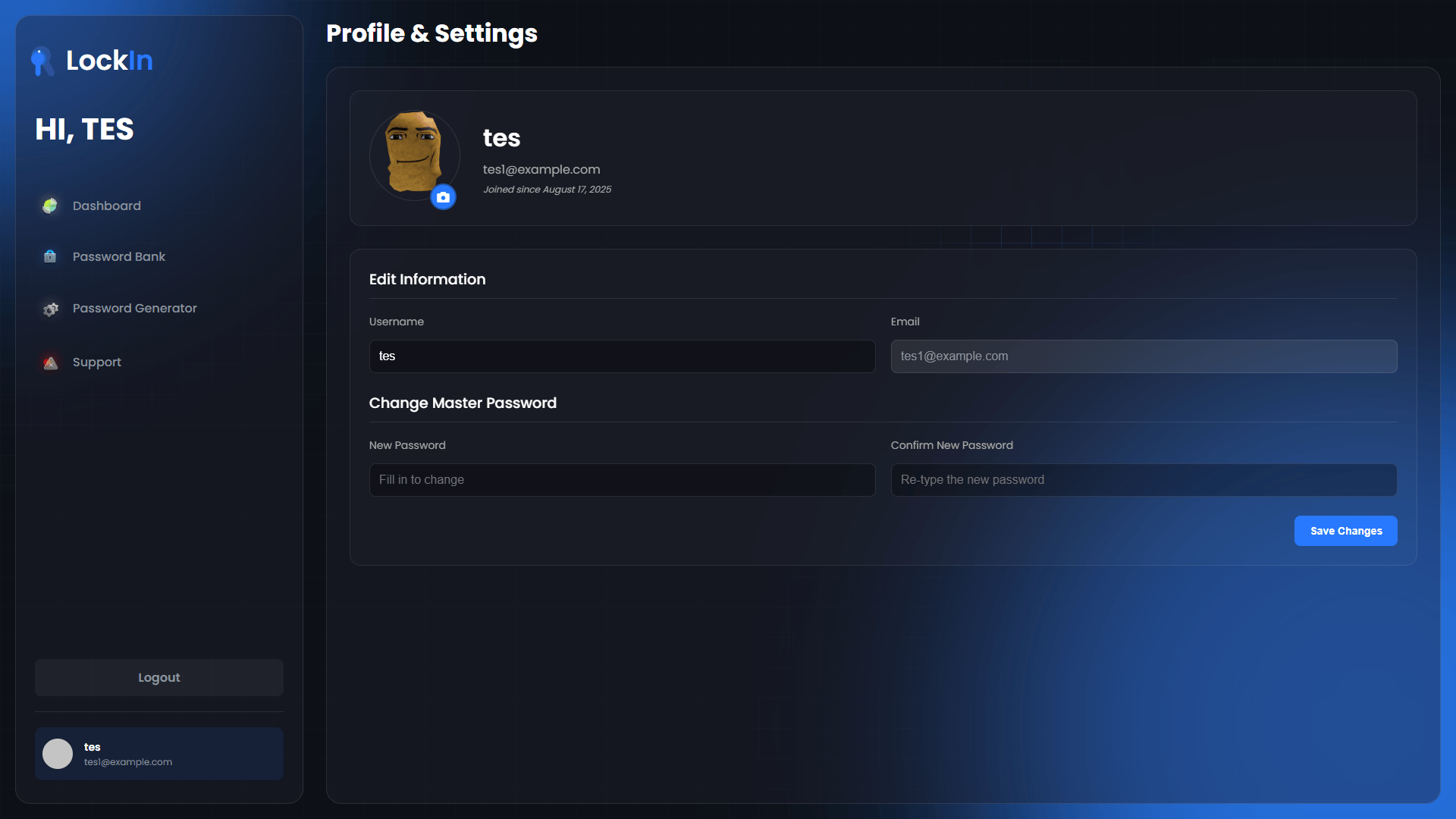
Profile Management

User account administration with security focus:

  • Username Updates: With proper re-authentication
  • Master Password Changes: Key re-derivation and data re-encryption
  • Profile Pictures: Secure file upload and storage
  • Account Settings: Privacy-focused configuration options

Technology Stack & Implementation

Frontend Technologies

  • Vanilla JavaScript: For maximum control over security operations
  • Web Crypto API: Browser-native cryptographic operations
  • HTML5/CSS3: Semantic markup and responsive design
  • Fetch API: Secure communication with backend services

Backend Infrastructure

  • Firebase Firestore: NoSQL database for encrypted data storage
  • Firebase Storage: Secure file storage for user uploads
  • Firebase Authentication: Token-based session management
  • Firebase Hosting: Static file hosting with SSL/TLS

Security Libraries & Standards

  • PBKDF2: Key derivation function for master password processing
  • AES-256-GCM: Authenticated encryption for data protection
  • Web Crypto API: Browser-native cryptographic primitives
  • CSP Headers: Content Security Policy for XSS protection

Development & Testing Process

Security-First Development

  • Threat modeling during design phase
  • Security code reviews for all cryptographic operations
  • Penetration testing of authentication flows
  • Cryptographic audit of key management

Cross-Browser Testing

  • Chrome, Firefox, Safari, and Edge compatibility testing
  • Web Crypto API feature detection and fallbacks
  • Performance testing across different devices
  • Mobile browser security validation

User Experience Testing

  • Usability testing with security-conscious users
  • Interface testing for cryptographic feedback
  • Performance testing of encryption operations
  • Accessibility testing for security features

Results & Security Validation

The implementation successfully achieved zero-knowledge architecture goals:

Security Metrics

  • 100% client-side encryption of all sensitive data
  • Zero server-side password exposure verified through testing
  • AES-256-GCM encryption implemented correctly
  • PBKDF2 key derivation with 100,000 iterations minimum
  • Cross-browser compatibility maintained without security compromise

Performance Results

  • Sub-second encryption/decryption for typical vault sizes
  • Minimal memory footprint for cryptographic operations
  • Responsive interface despite complex security operations
  • Fast key derivation balanced with security requirements

User Experience Validation

  • Intuitive security model understood by test users
  • Seamless vault management without security friction
  • Clear security indicators helping users understand protection level
  • Emergency features properly implemented and tested

Security Lessons Learned

This project provided valuable insights into practical cryptographic implementation:

Successful Approaches

  • Client-side cryptography is feasible for web applications
  • Zero-knowledge architecture can maintain good user experience
  • Web Crypto API provides robust cryptographic primitives
  • Separation of concerns between encryption and verification keys works well

Implementation Challenges

  • Browser compatibility requires careful feature detection
  • Key management in memory needs careful consideration
  • Performance optimization while maintaining security is complex
  • User education about security model is crucial

Security Best Practices Validated

  1. Never trust the server with sensitive data
  2. Key derivation must be computationally expensive to resist attacks
  3. Authenticated encryption is essential for data integrity
  4. Secure random generation cannot be compromised
  5. Memory cleanup is critical for key security

Future Security Enhancements

Based on the successful implementation, several advanced security features are planned:

Advanced Features

  • Hardware security key integration (WebAuthn)
  • Biometric authentication where available
  • Advanced threat detection and monitoring
  • Secure password sharing with zero-knowledge proofs

Security Improvements

  • Post-quantum cryptography preparation
  • Advanced key stretching algorithms
  • Secure multi-device synchronization
  • Enhanced audit logging and security monitoring

User Experience Evolution

  • Progressive security model for different user types
  • Advanced password analysis and recommendations
  • Integration with enterprise security policies
  • Enhanced mobile application development

This project demonstrates that strong security and user privacy can be achieved without compromising functionality. The zero-knowledge architecture proves that users don't need to trust service providers with their most sensitive data when proper cryptographic techniques are implemented correctly.

Interested in the implementation details? View the live application or explore the source code

Project Metrics

Zero server-side password exposure

AES-256-GCM encryption implementation

100% client-side cryptography

Cross-browser compatibility achieved

Zero-knowledge architecture verified

Credits & Acknowledgments

Web Crypto API documentation by MDN

Firebase by Google

Security best practices by OWASP

Custom icons and illustrations designed in-house

Team collaboration and backend development

Academic supervision by Digital Security Course faculty

Project Tags

More Visuals
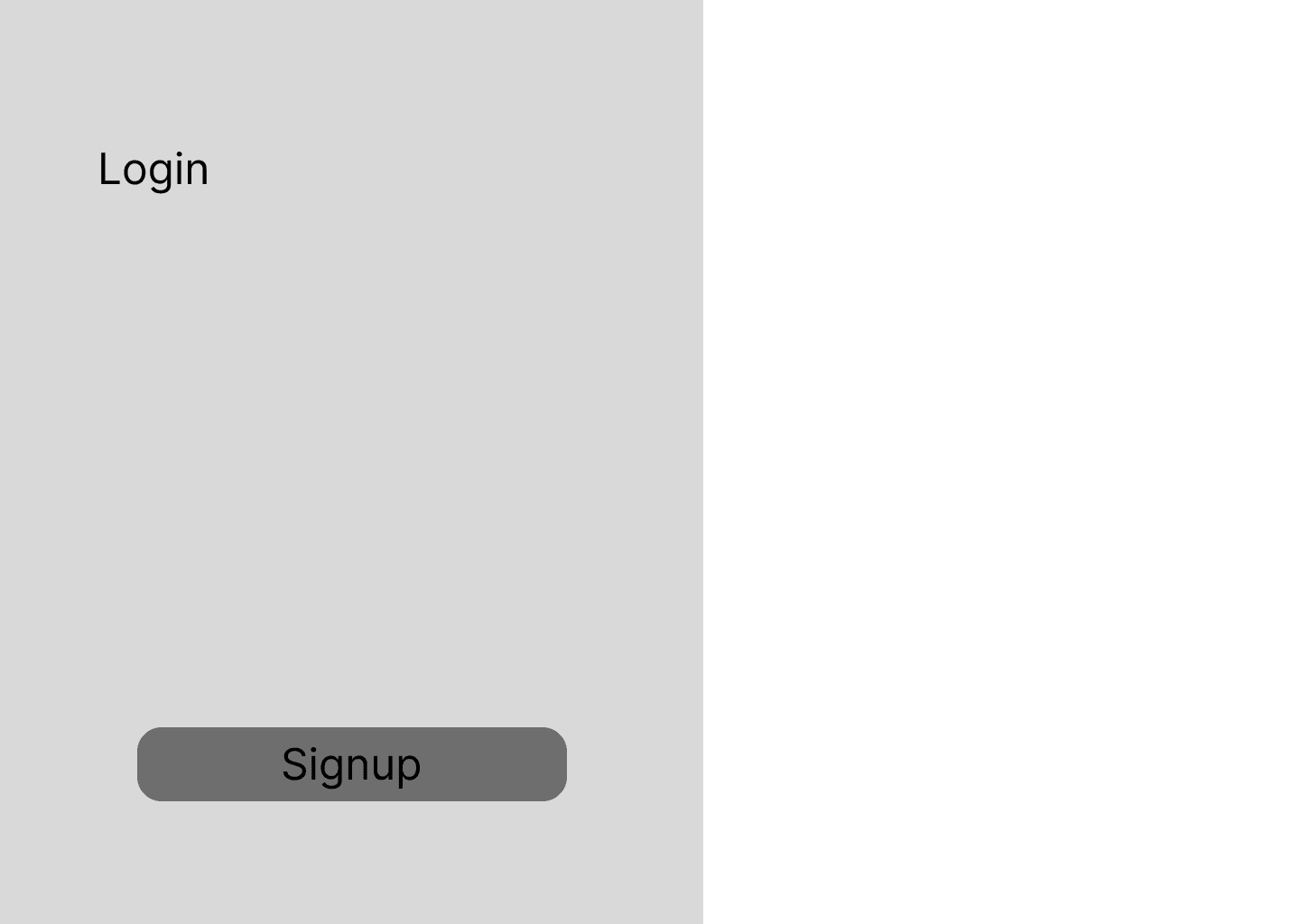
LockIn - Password Manager — additional material 1
LockIn - Password Manager — additional material 2
LockIn - Password Manager — additional material 3
LockIn - Password Manager — additional material 4
LockIn - Password Manager — additional material 5
LockIn - Password Manager — additional material 6

Related Projects

View all projects →